Win-Back Launcher
Before suppressing cold profiles, give them one last chance to re-engage. Win-Back Launcher enrolls disengaged contacts into a Klaviyo re-engagement flow, then automatically suppresses the ones that still don’t respond. Campaigns can run once or be automated on a recurring schedule — picking up only newly cold profiles each time.
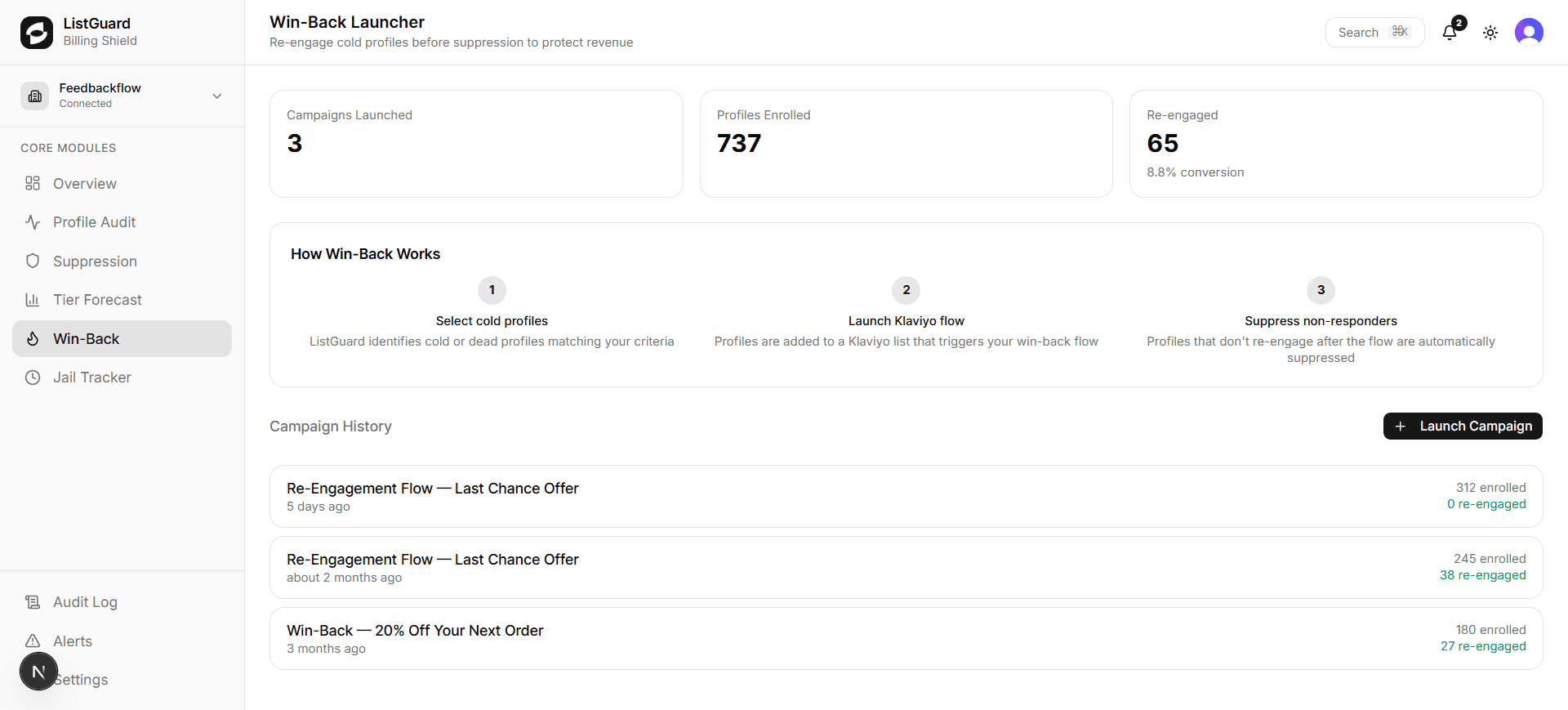
How Win-Back works
The rule defines which profiles are targeted — the same audience that would eventually be suppressed.
Matching profiles are added to the ListGuard Win-Back list in Klaviyo, triggering your re-engagement flow.
After the wait period, profiles that still match the rule are automatically suppressed. Re-engaged profiles no longer match and are left alone.
Each scheduled run enrolls only profiles that are newly cold — no duplicates, no re-spam.
The ListGuard Sunset Flow template
Don’t have a re-engagement flow yet? ListGuard provides a free pre-built ListGuard Sunset Flow you can import into Klaviyo in one click.
The template includes three emails:
| Timing | Purpose | |
|---|---|---|
| ”We miss you” | Day 0 | Warm, low-pressure re-engagement. Reminds them what they’re missing and gives a clear path back. |
| ”Last chance to stay in touch” | Day 7 | A stronger nudge — acknowledges the silence, creates mild urgency without being pushy. |
| ”Goodbye for now” | Day 14 | A graceful farewell with a final opt-back-in opportunity. Non-responders are suppressed by ListGuard automatically after this. |
The flow is already configured to trigger from the ListGuard Win-Back list — no flow setup needed once imported.
After importing:
- Open the imported flow in Klaviyo
- Review the email copy and customise your brand voice
- Activate the flow, then come back to launch a campaign
The import button is available on the main Win-Back Launcher page and inside the launch modal when no flows are detected.
Launching a campaign
Click ”+ New Campaign”
Opens the campaign launcher. You need at least one active suppression rule before you can launch.
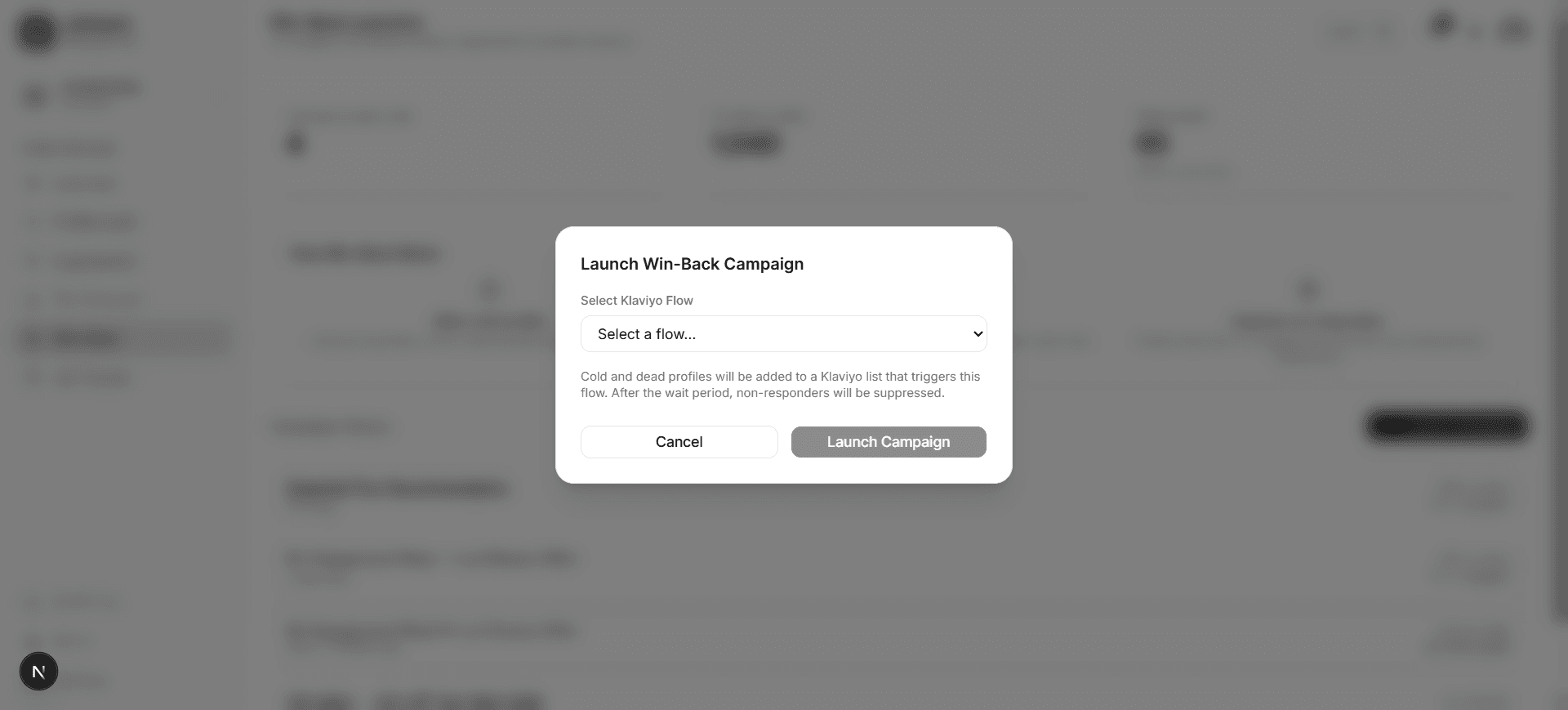
Select a suppression rule
Choose a suppression rule to define your audience. The conditions for that rule are shown as a preview so you know exactly who will be targeted.
Select a Klaviyo flow
Choose the Klaviyo flow that will fire when profiles are added to the ListGuard Win-Back list. If no flows appear, use the import button to add the pre-built Sunset Flow template.
Set frequency
| Option | Behaviour |
|---|---|
| Run once | Runs immediately — enrolls all profiles currently matching the rule |
| Automate | Runs on a recurring schedule — each run picks up only profiles that became cold since the last run |
Configure automation (if automated)
Choose a schedule:
- Daily — runs at 9 AM UTC every day
- Weekly — runs at 9 AM UTC every Monday
- Monthly — runs at 9 AM UTC on the 1st of each month
- Custom — enter any standard 5-field cron expression (UTC)
Set the max profiles per run (batch limit, up to 2,000). This limits how many profiles are enrolled on each run to protect your sender reputation and Klaviyo rate limits.
Set wait period
Enter the number of days to wait before suppressing non-responders. After this many days, ListGuard re-evaluates the rule against enrolled profiles. Profiles that re-engaged will no longer match the rule and are left in your list. Profiles that still match are suppressed.
Recommended: 14 days — matches a typical 2–3 email re-engagement sequence.
Launch
Click Launch Campaign (or Start Automated Campaign if automating). The campaign appears immediately in your campaign list.
Managing campaigns
Each campaign row shows:
- Campaign name (Klaviyo flow name)
- Status badge — Pending, Running, Completed, or Cancelled
- Schedule badge (automated campaigns) — e.g. “Weekly”, “Monthly”
- Last run timestamp and launch date
- Profiles enrolled, re-engaged, and suppressed
Pausing and resuming
Automated campaigns can be paused at any time using the pause button on the campaign row. Paused campaigns stop scheduling new runs but retain all their enrollment history. Resume with the resume button — the schedule picks up from the next interval.
Deleting a campaign
Click the trash icon to permanently delete a campaign. This also cancels any pending scheduled runs. Previously enrolled profiles are not affected.
Enrollee deduplication
ListGuard tracks every profile enrolled in each campaign. On each automated run, profiles that were enrolled in any previous run of the same campaign are automatically excluded — they will never be re-added to the win-back list regardless of their current tier. This prevents duplicate flows and protects your sender reputation.
Campaign stats
The three stat cards at the top of the page show your all-time totals:
| Metric | Description |
|---|---|
| Campaigns | Total campaigns, with count of automated ones currently running |
| Profiles Enrolled | Total contacts ever added to a win-back flow |
| Re-engaged | Total contacts that re-engaged and the overall conversion rate |